AI Image Prompt Generator
Search 1029 tested prompts with real results, or generate your own for ChatGPT, Gemini, Midjourney, Flux or Stable Diffusion. Free, no sign-up.
Negative prompt
All prompts
1029 prompts
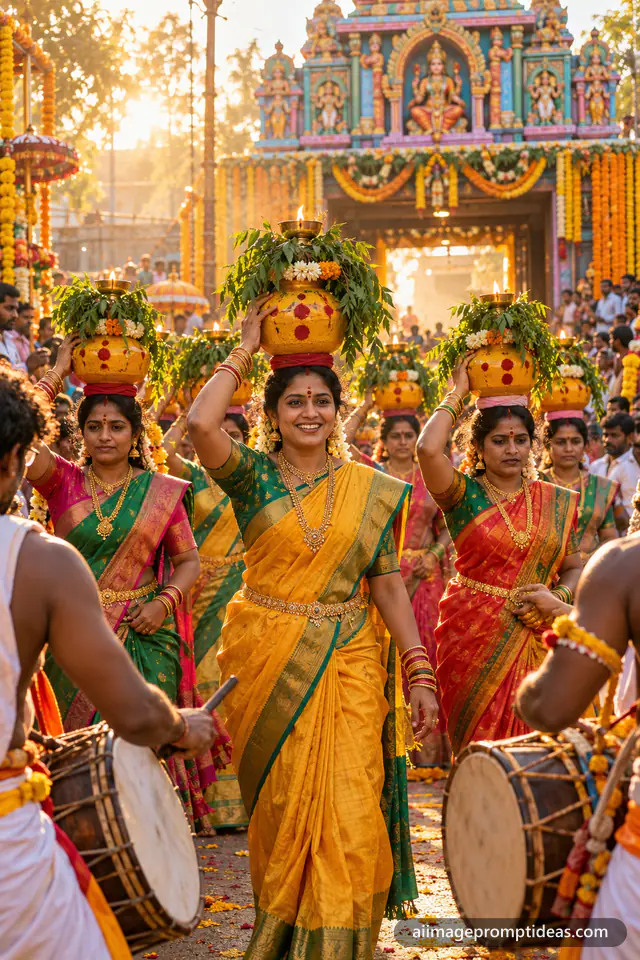
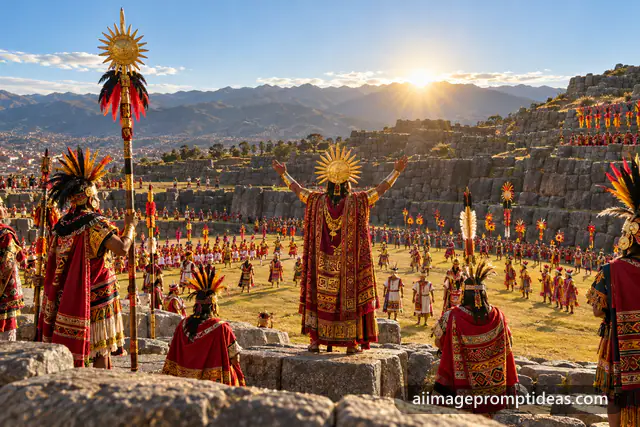
Inti Raymi Sun Festival in Peru
Holidays
Cricket Academy Logo with Bats and Ball
Logo & Branding
Honey Farm Logo with Bee and Honeycomb
Logo & Branding
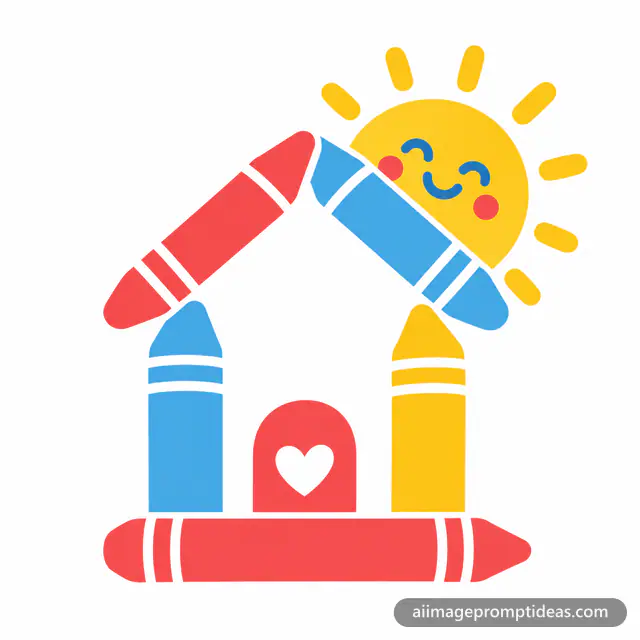
Daycare Logo with Crayon House and Sun
Logo & Branding
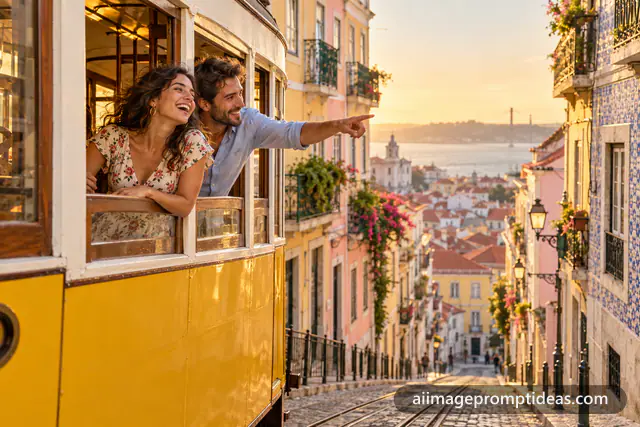
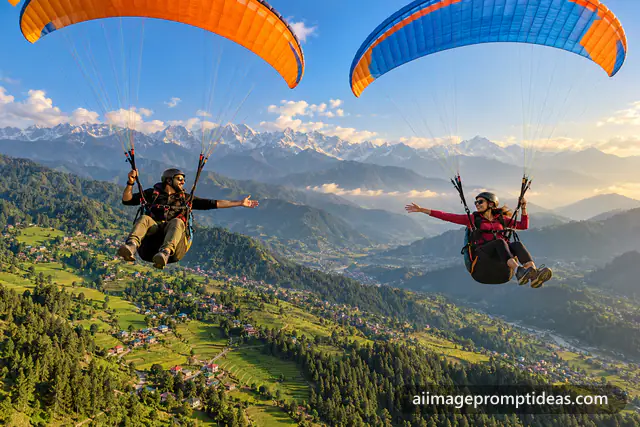
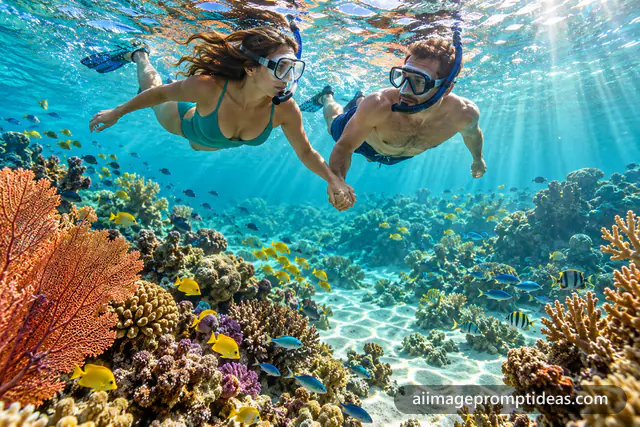
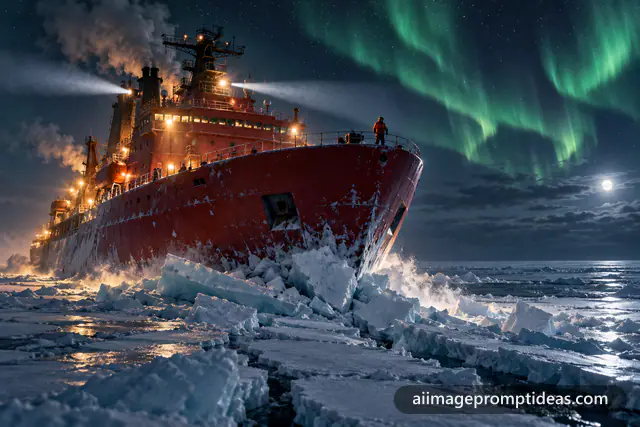
Icebreaker Ship in the Polar Night
Cinematic
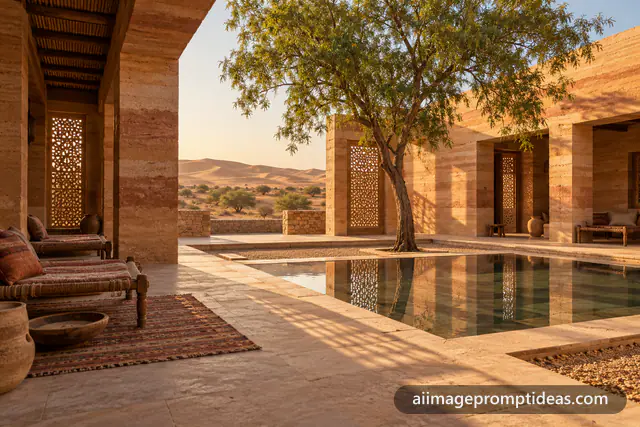
Rammed Earth Courtyard House in Rajasthan
Architecture & Interiors
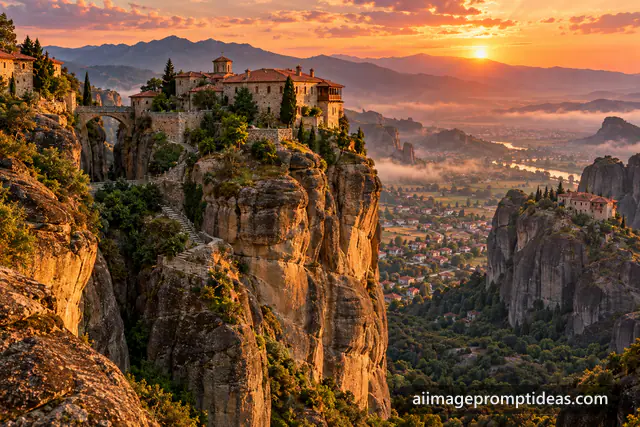
Meteora Cliff Monasteries at Sunset
Architecture & Interiors
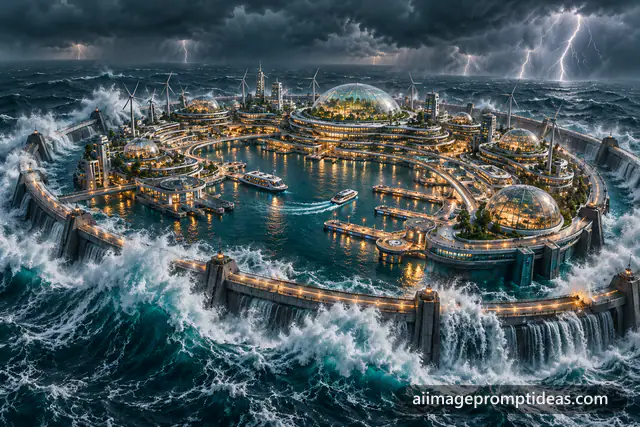
Floating Ocean Arcology in a Storm
Sci-Fi & Cyberpunk
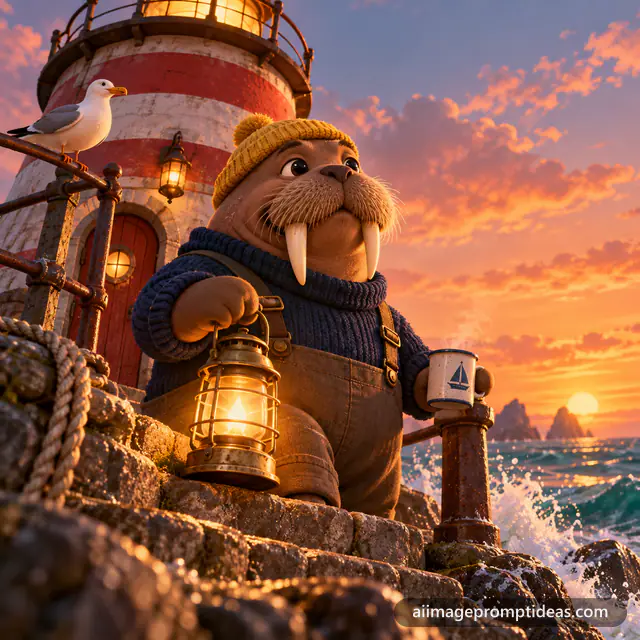
3D Walrus Lighthouse Keeper
3D Cartoon
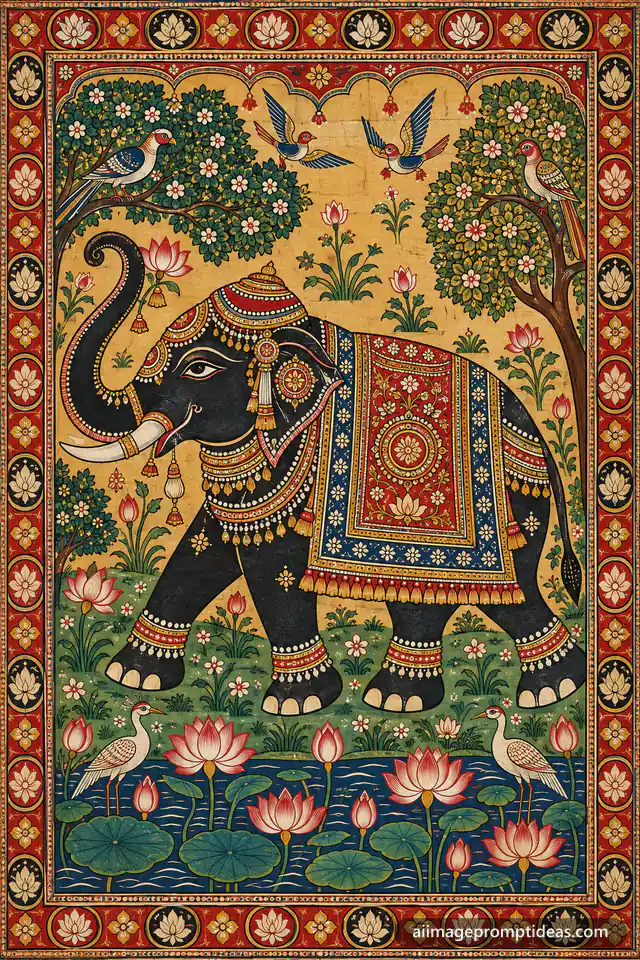
Pattachitra Elephant in a Lotus Garden
Art Styles
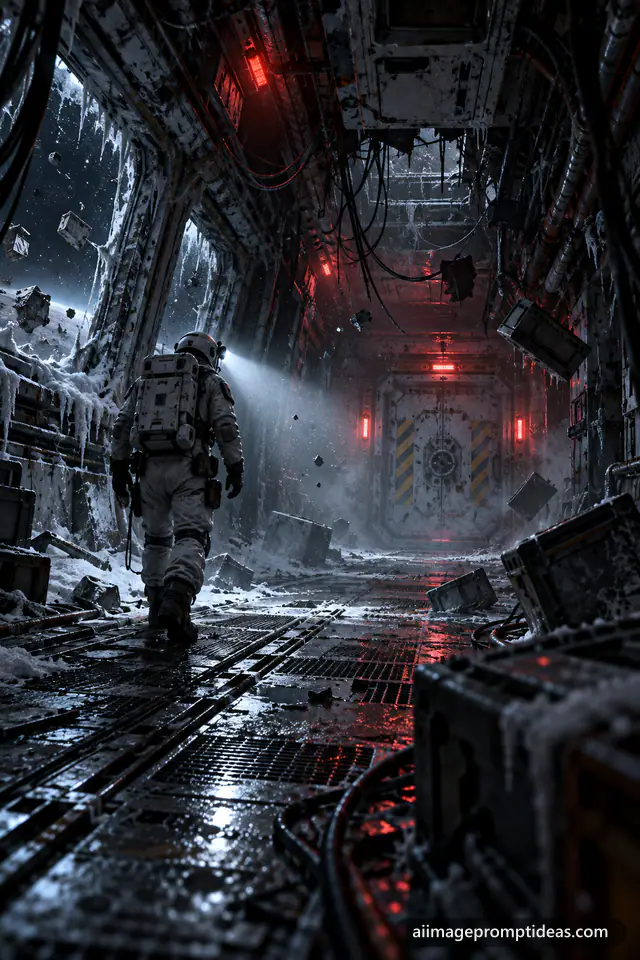
Derelict Starship Corridor Explorer
Sci-Fi & Cyberpunk
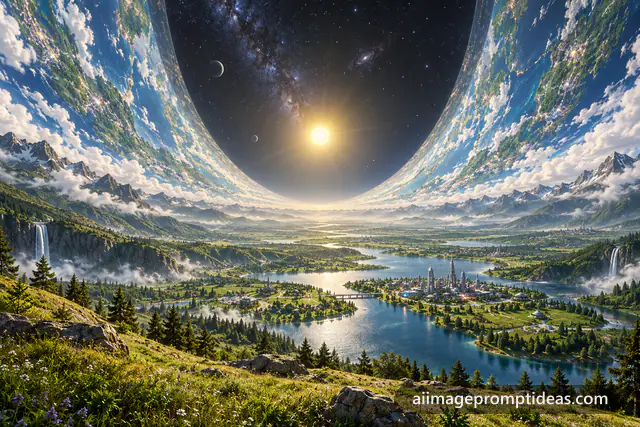
Ringworld Megastructure Rising to the Sky
Sci-Fi & Cyberpunk
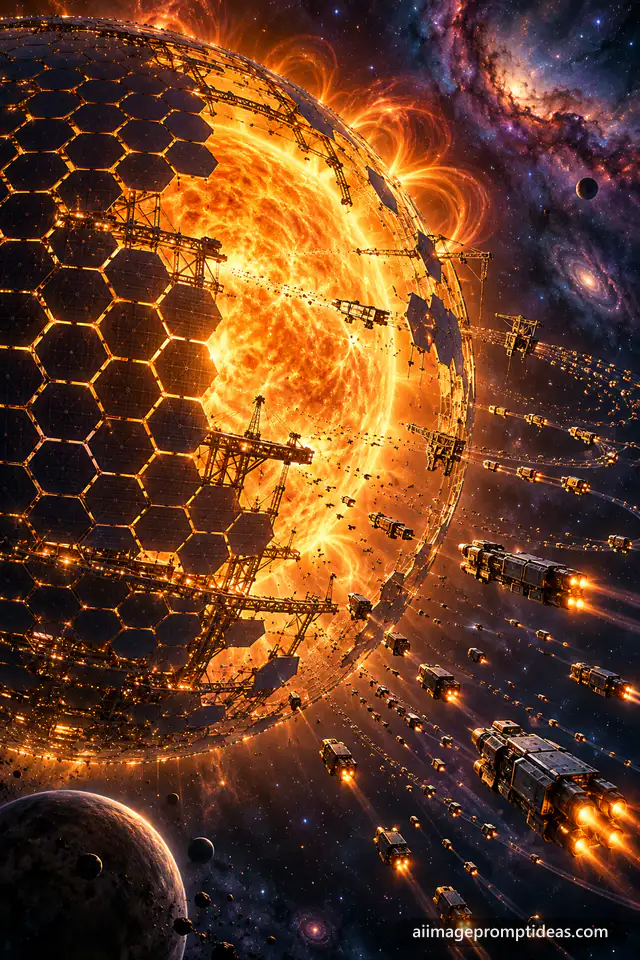
Dyson Sphere Under Construction Around a Star
Sci-Fi & Cyberpunk
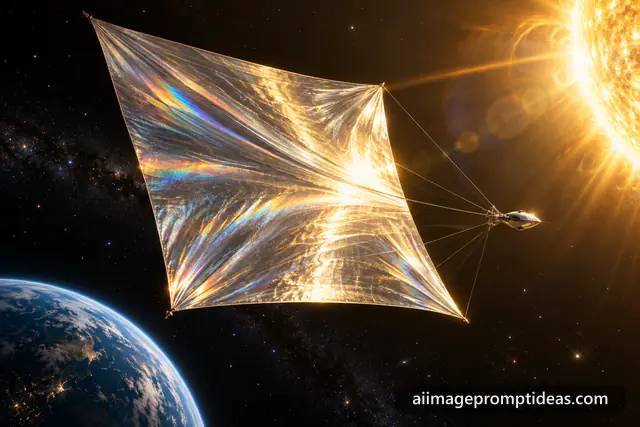
Solar Sail Spacecraft Gliding Near the Sun
Sci-Fi & Cyberpunk
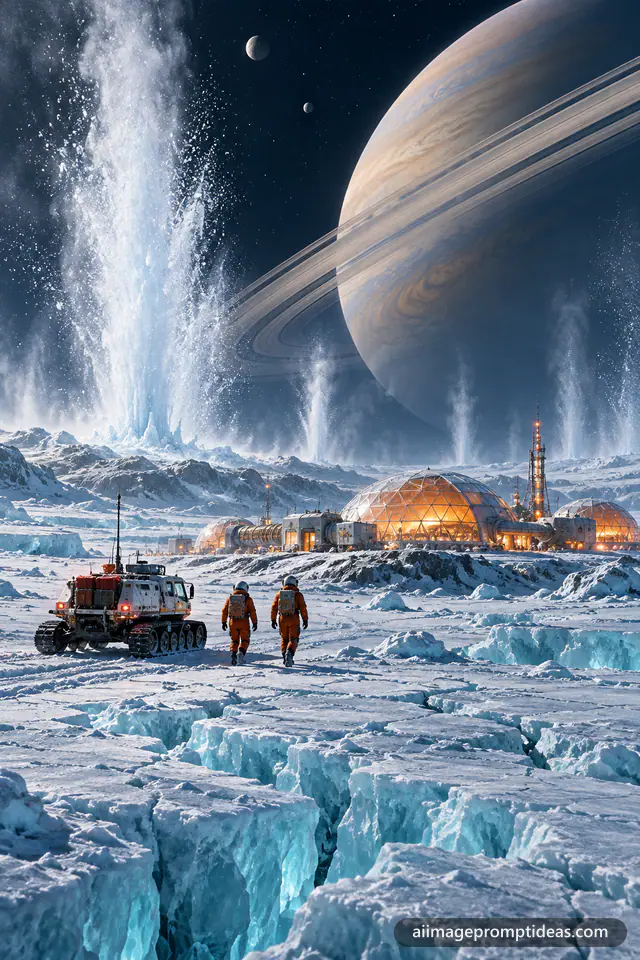
Ice Moon Geyser Research Station
Sci-Fi & Cyberpunk
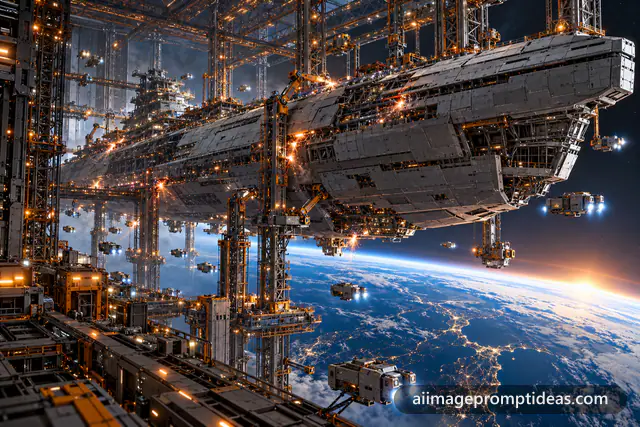
Orbital Shipyard Building a Starship
Sci-Fi & Cyberpunk
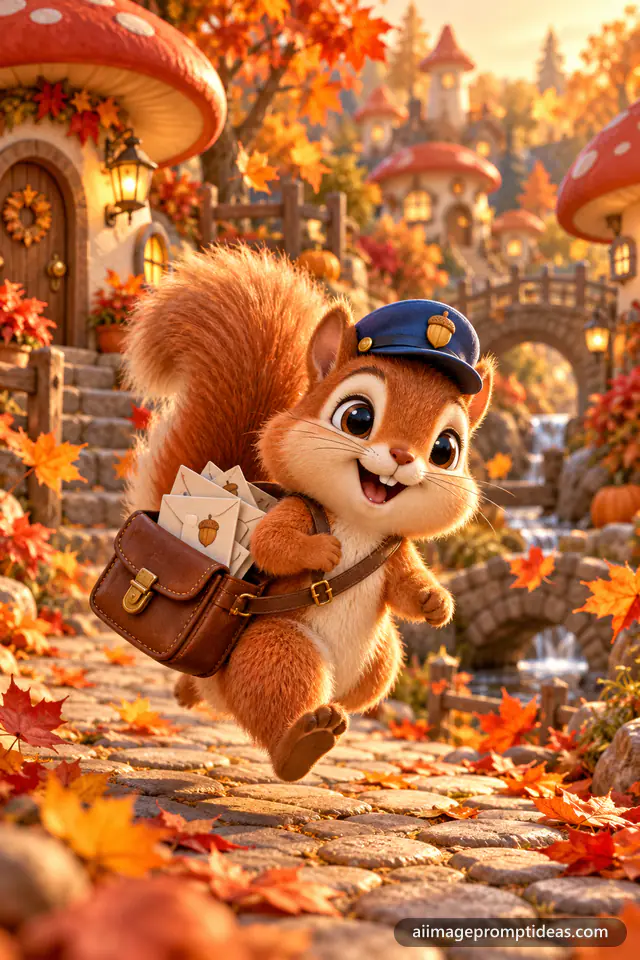
3D Squirrel Mail Carrier in Autumn
3D Cartoon
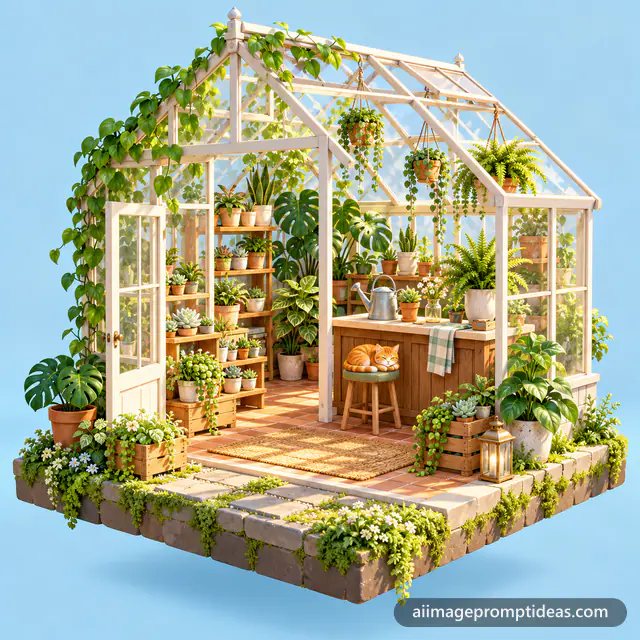
3D Isometric Greenhouse Plant Shop
3D Cartoon
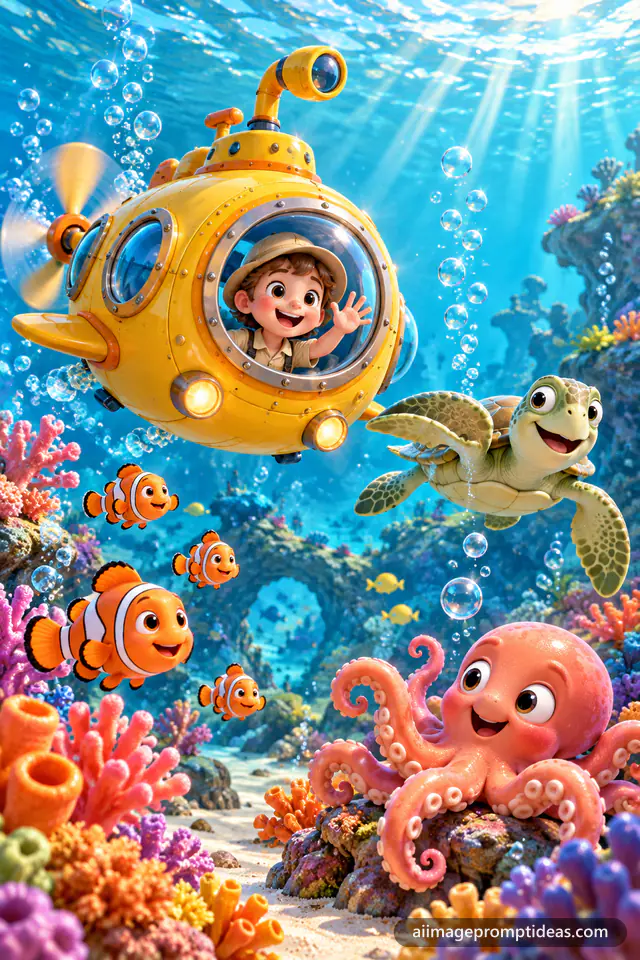
3D Cute Yellow Submarine on a Coral Reef
3D Cartoon
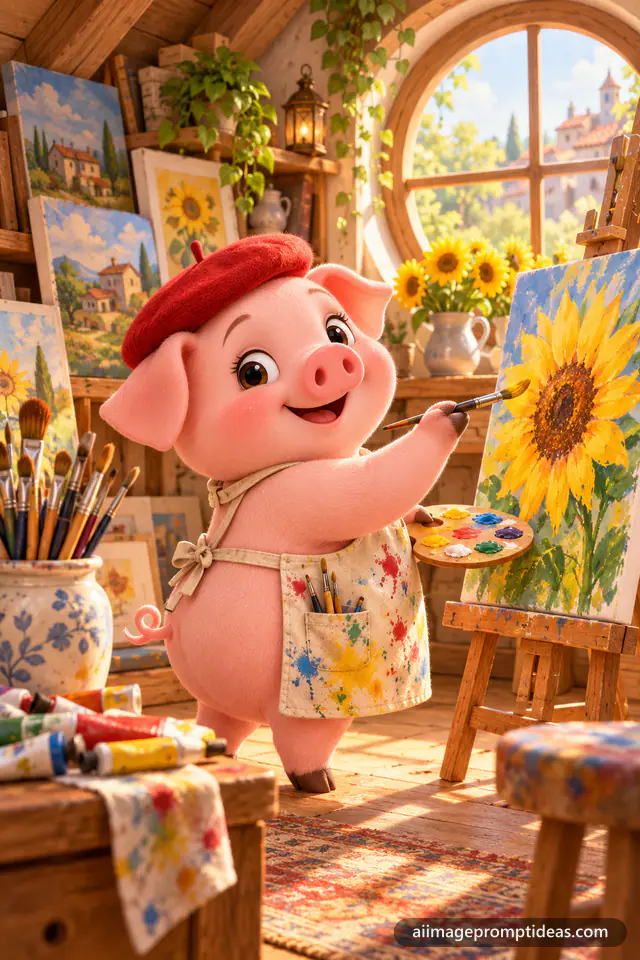
3D Pig Painter at an Easel
3D Cartoon
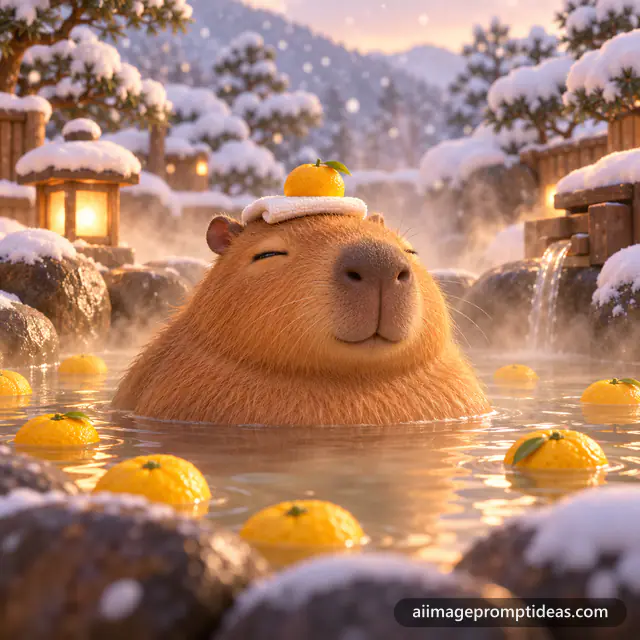
3D Capybara Relaxing in a Hot Spring
3D Cartoon
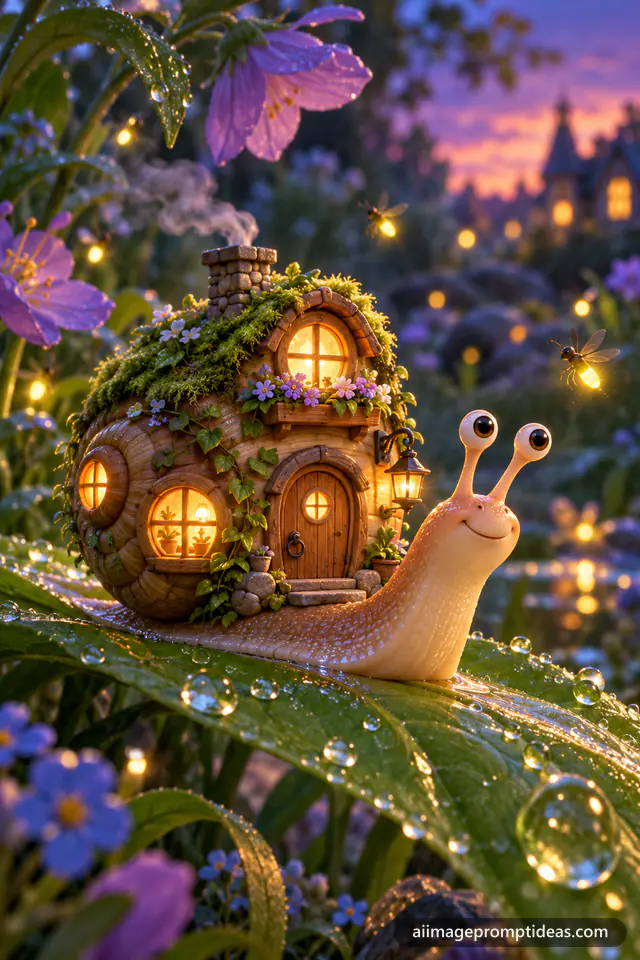
3D Snail with a Cozy House Shell
3D Cartoon
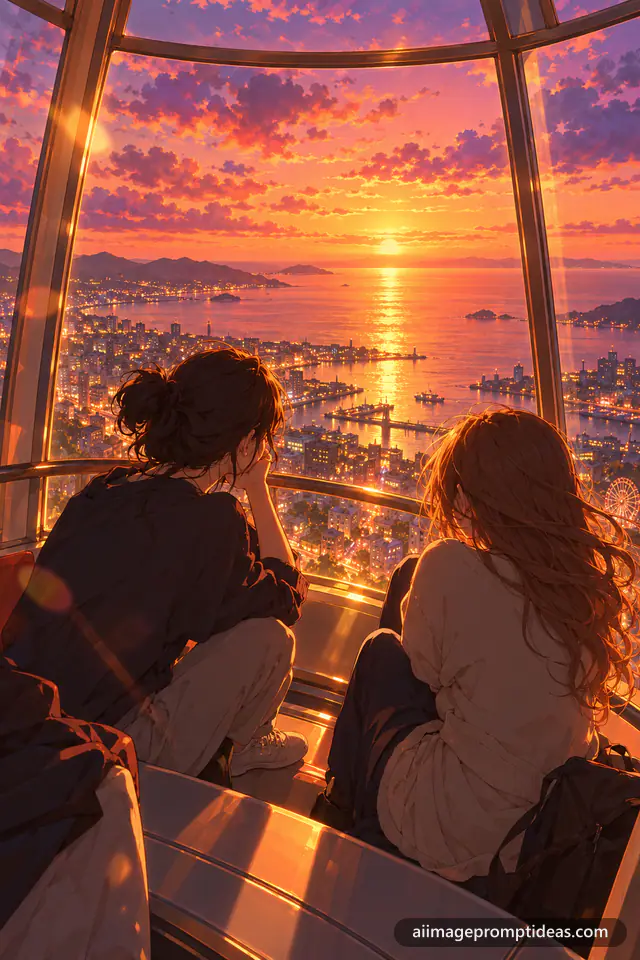
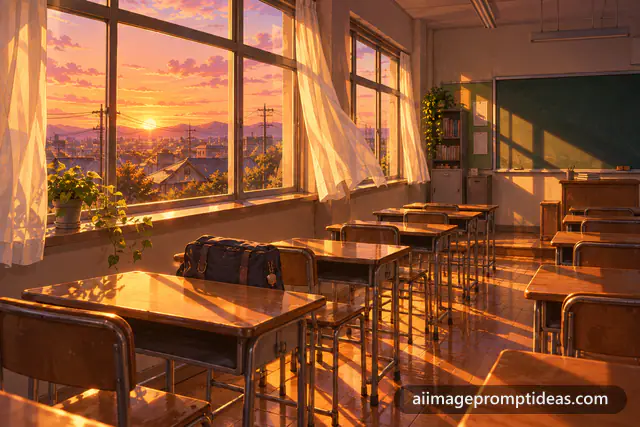
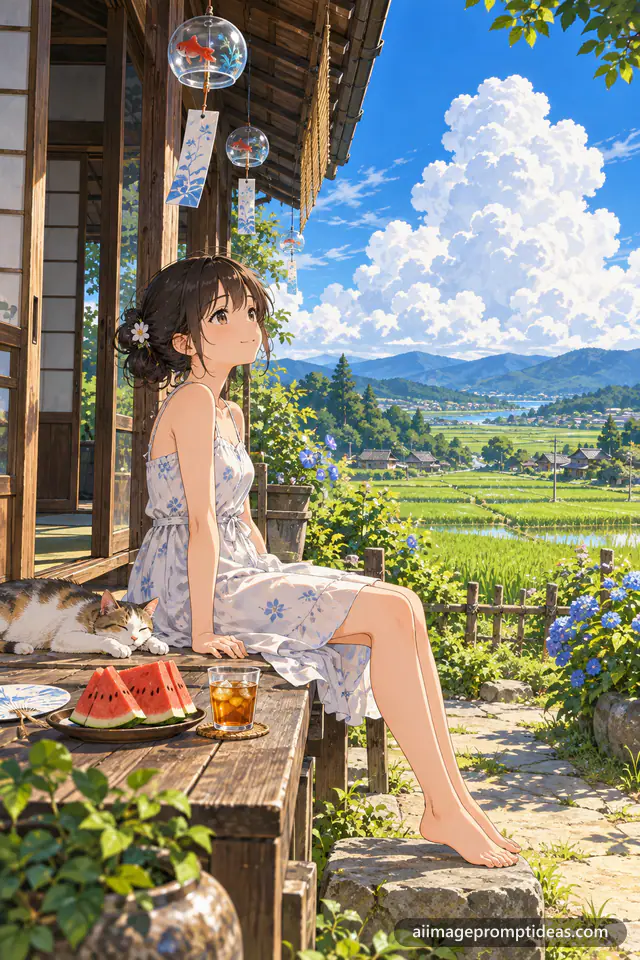
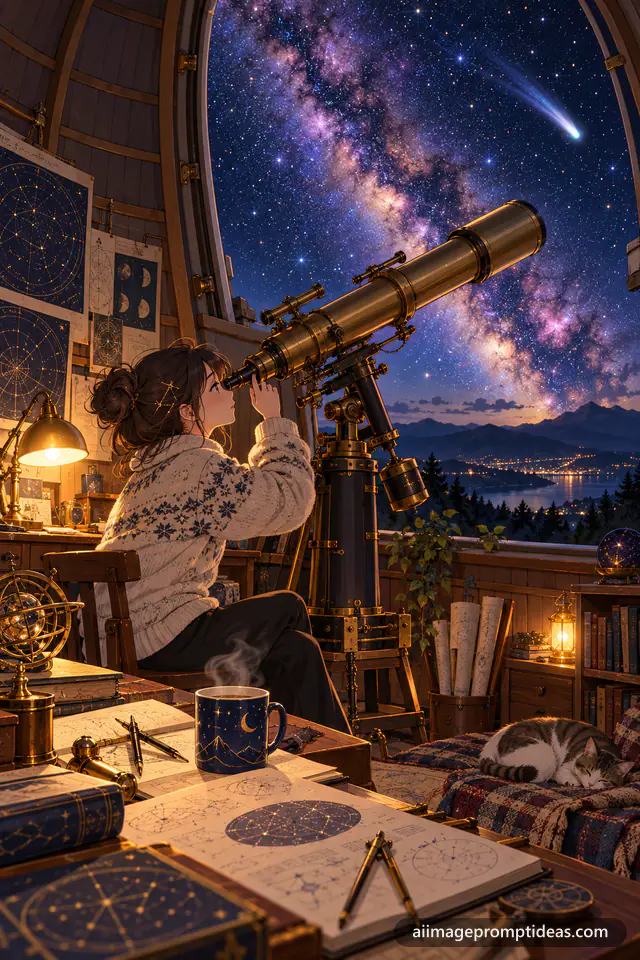
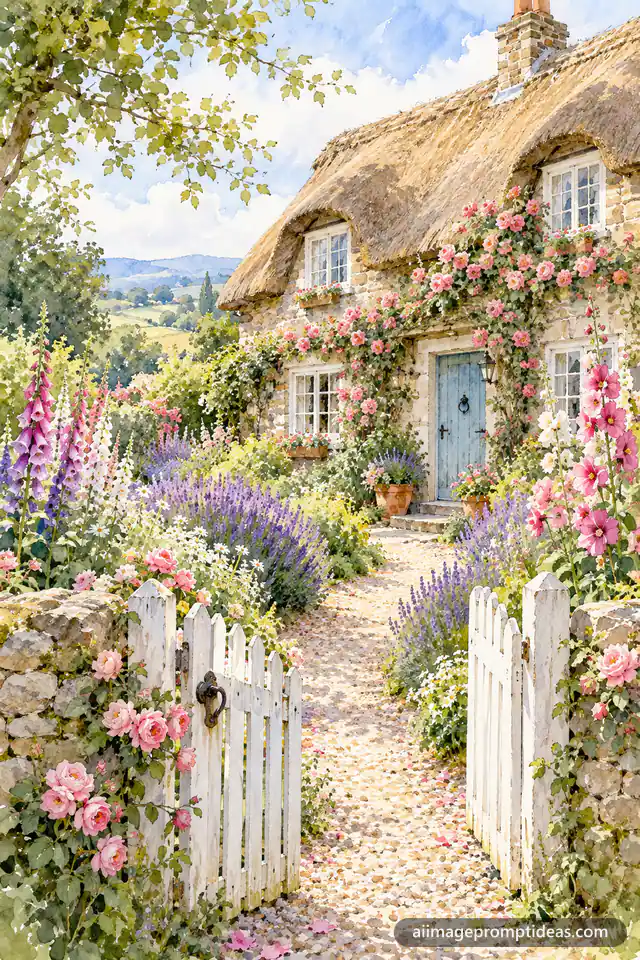
Watercolor English Cottage Garden
Art Styles
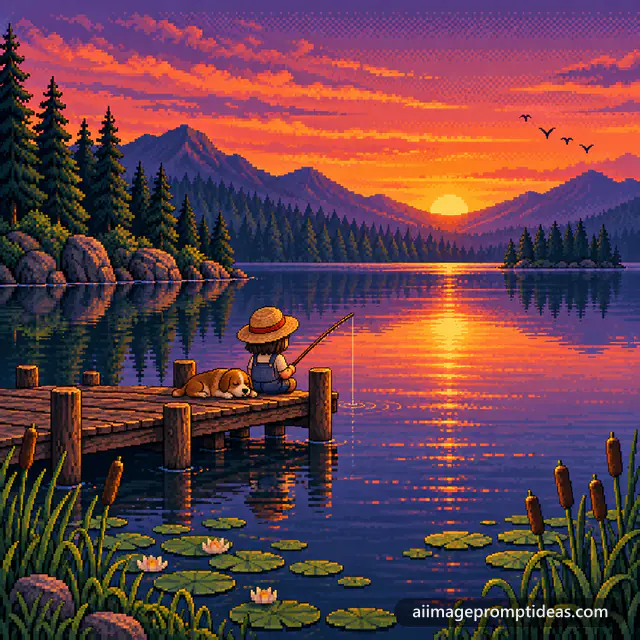
Pixel Art Fishing Dock at Sunset
Art Styles
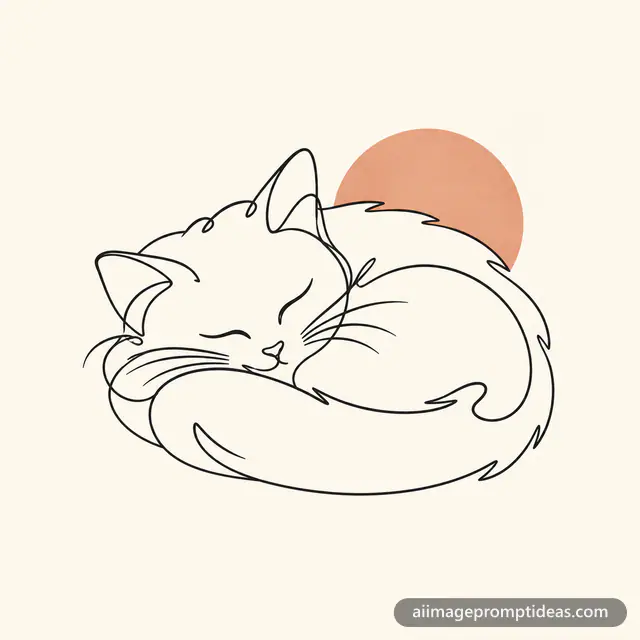
Continuous Line Art Cat Drawing
Art Styles
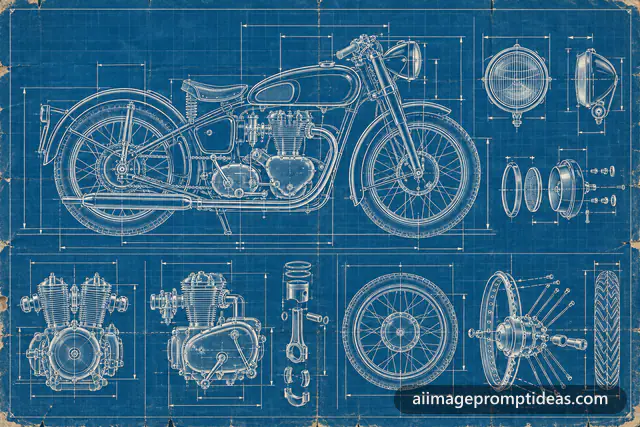
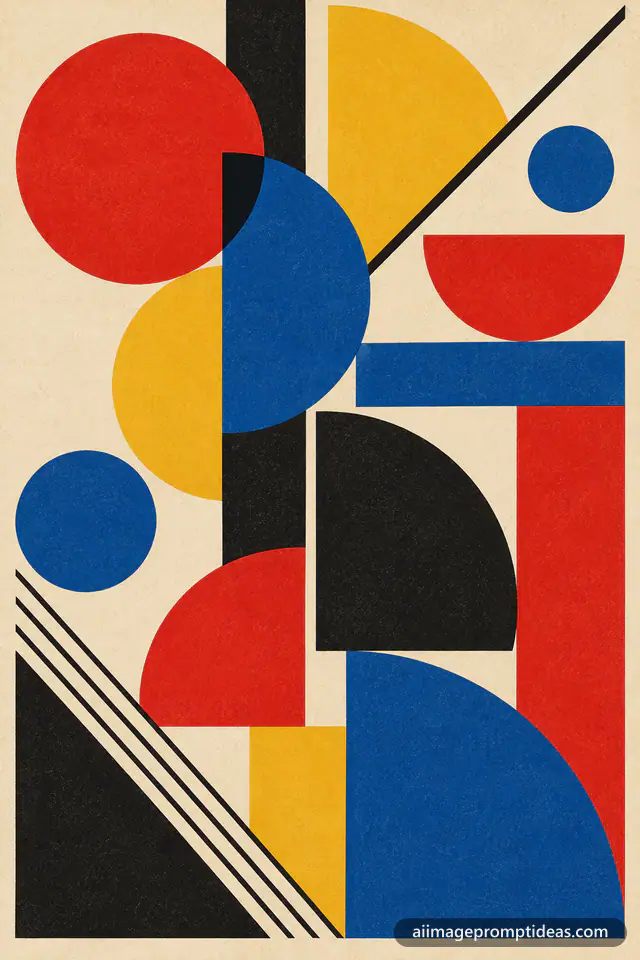
Bauhaus Geometric Abstract Poster
Art Styles
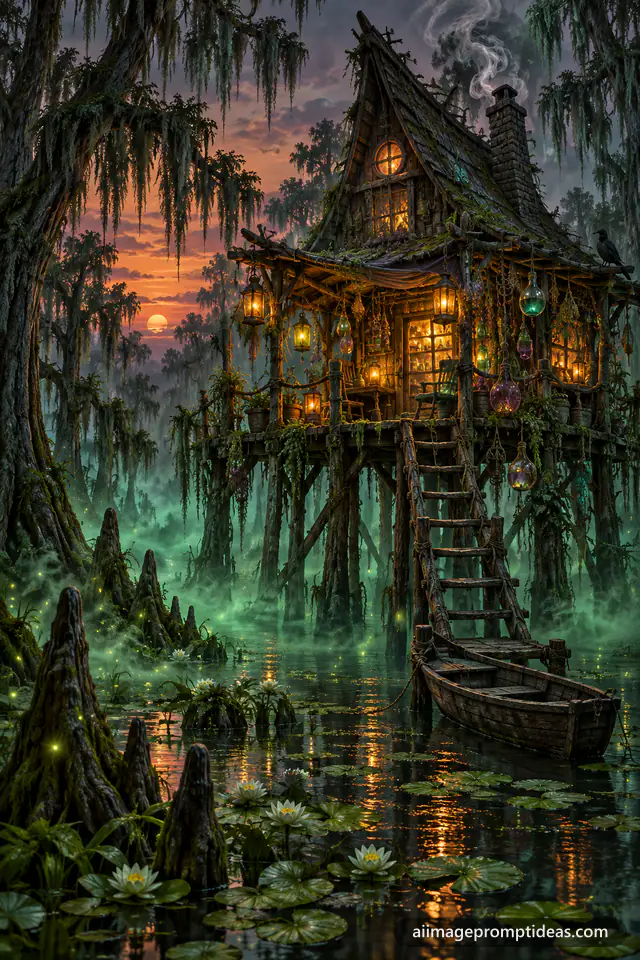
Witch Hut in a Misty Swamp
Fantasy
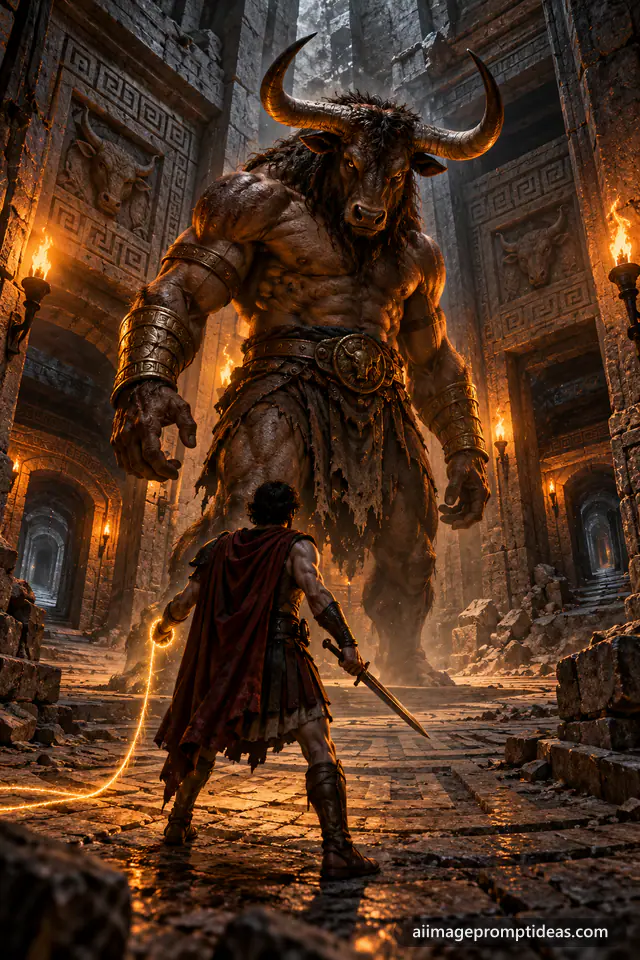
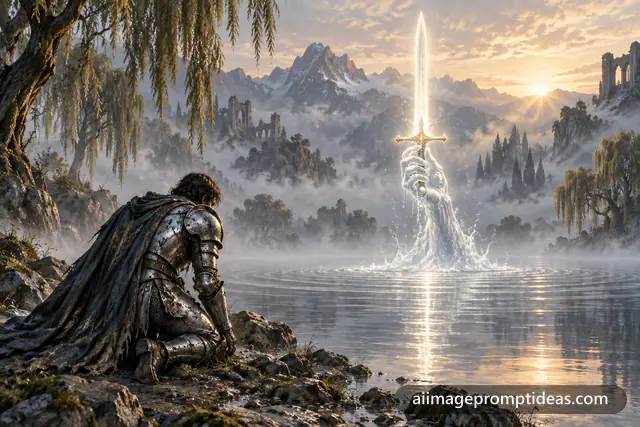
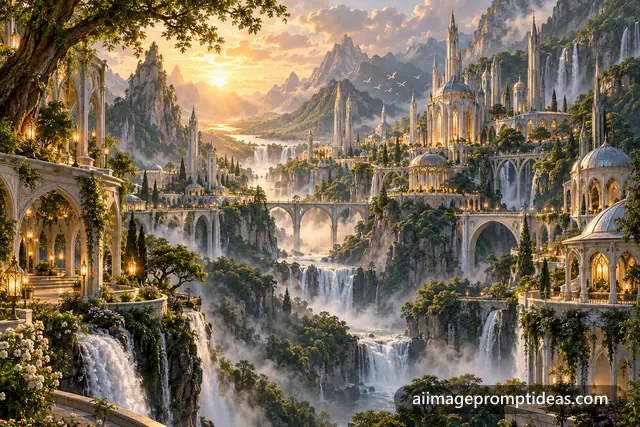
No prompts match that yet. Try a shorter word, or switch to "Generate prompt" above and build your own.
From idea to image in under a minute
Describe it
Write your idea in plain words, in any order. One line is enough.
Pick the look
Choose a style, light, camera angle, mood and size. Every choice is optional.
Copy and create
Select your AI model, copy the prompt and paste it. Or open it straight in ChatGPT.
What is an AI image prompt generator?
An AI image prompt generator turns a short idea into a complete instruction that an image model can follow. Tools like ChatGPT, Gemini, Midjourney, Flux and Stable Diffusion draw exactly what you write, and they fill every missing detail with a guess. Type a cat and the model decides the style, the light, the camera angle and the background for you. Type a full AI image prompt and you decide.
This free AI image prompt generator does that work in seconds. You describe the picture in plain words, choose a few options if you like, and it writes a clear, detailed prompt in the format your model understands best. There is no sign-up, no daily limit and nothing is sent to a server: the prompt is built right in your browser.
How to use this free AI image prompt generator
- Open the "Generate prompt" tab at the top of this page and describe your image in one line, such as "a girl in a yellow raincoat on a rainy Tokyo street".
- Pick the look (optional). Tap "Options" to choose a style, lighting, camera angle, mood, colors and size. Every choice is optional, and "Surprise me" fills them in for you.
- Choose your AI model. Switch between ChatGPT, Gemini, Midjourney, Flux and Stable Diffusion. The same idea is rewritten for each one.
- Copy and create. Copy the prompt and paste it into your tool, or open it straight in ChatGPT. Use the refresh button to get a new variation.
Prompts for ChatGPT, Gemini (Nano Banana), Midjourney, Flux and Stable Diffusion
Every model reads prompts a little differently, which is why one prompt rarely works everywhere. ChatGPT and Gemini, including Google's Nano Banana image model, understand full sentences, so the generator writes a short, natural paragraph. Midjourney works best with comma-separated keywords followed by parameters such as --ar 2:3. Flux follows long, descriptive sentences closely. Stable Diffusion uses weighted keywords like (subject:1.2) plus a separate negative prompt that lists what to leave out. Pick your model and the generator switches the format for you, so a single idea becomes a ready-to-paste prompt for whichever tool you use.
AI image prompt writing techniques that work
Strong prompts follow a simple order. Our generator uses the same structure, and you can use it when you write prompts by hand:
[Subject + action] + [Style] + [Framing] + [Lighting] + [Mood + colors] + [Size]For example, "a red fox curled up in fresh snow" becomes: "Create a photorealistic photograph of a red fox curled up in fresh snow. Frame it as a tight close-up. The scene is lit by warm golden hour sunlight. The mood is calm and peaceful. Use a vertical 2:3 format." Each part removes one guess the model would otherwise make.
AI image prompt best practices
- Put the main subject first. Models give the most weight to the start of a prompt.
- Choose one style. Mixing "anime" and "photorealistic" confuses the model and blurs the result.
- Name the light. Golden hour, soft window light or neon at night changes the feel of an image more than any other word.
- Add a camera or framing. "Close-up, 85mm lens" or "wide aerial shot" gives the picture a clear point of view.
- Say what you do not want. Ending with "no text or watermarks" stops most models from adding stray letters.
- Iterate. Change one detail at a time and regenerate two or three times. Small edits often fix a result.
These AI image prompt writing best practices are covered step by step in our AI image prompt guide, and our ChatGPT image prompts guide shows them in action.
Use it as an AI image prompt enhancer and editor
Already have a prompt that falls flat? Paste your short idea into the generator and it works as an AI image prompt enhancer: it adds the style, framing, lighting and mood that make results sharper, without changing what you asked for. Because every option is a simple toggle, it also works as an AI image prompt editor. Swap the style from photo to watercolor, change daylight to night, or turn a square image into a vertical one, and the prompt updates instantly. Turn on "Extra details" for richer descriptions, or switch it off for short, clean prompts.
1000+ AI image prompt examples and ideas
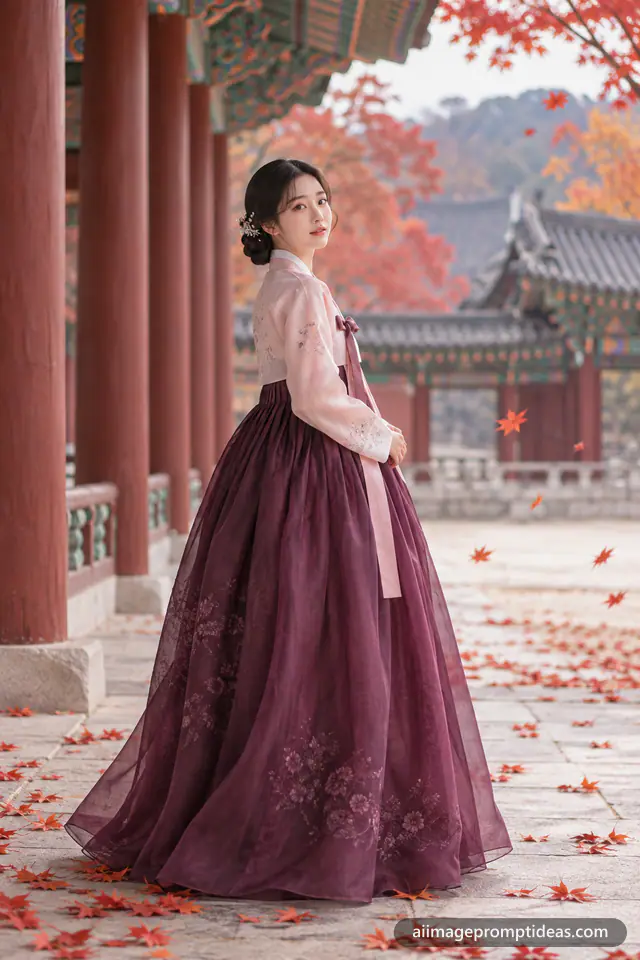
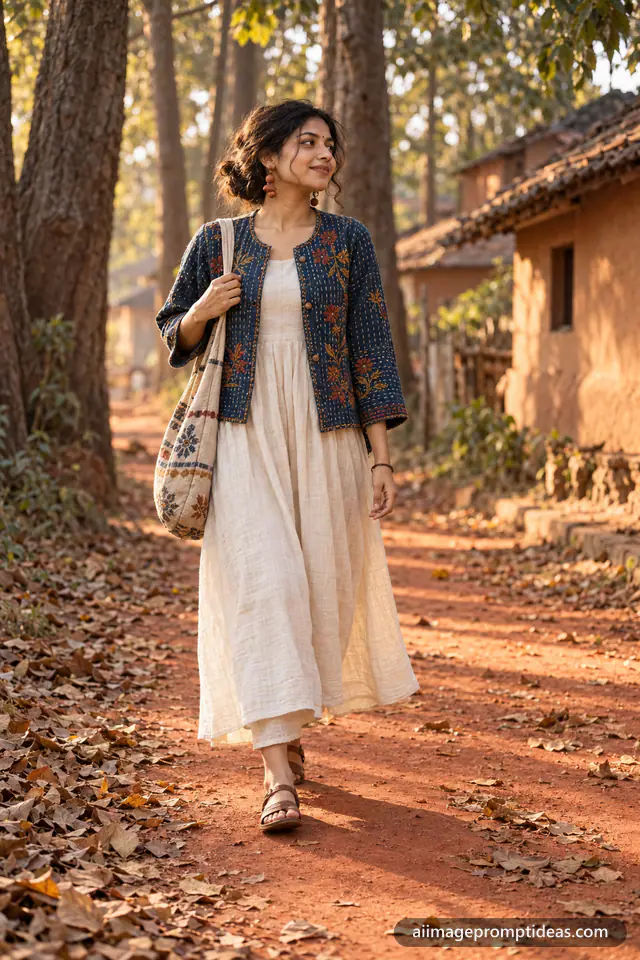
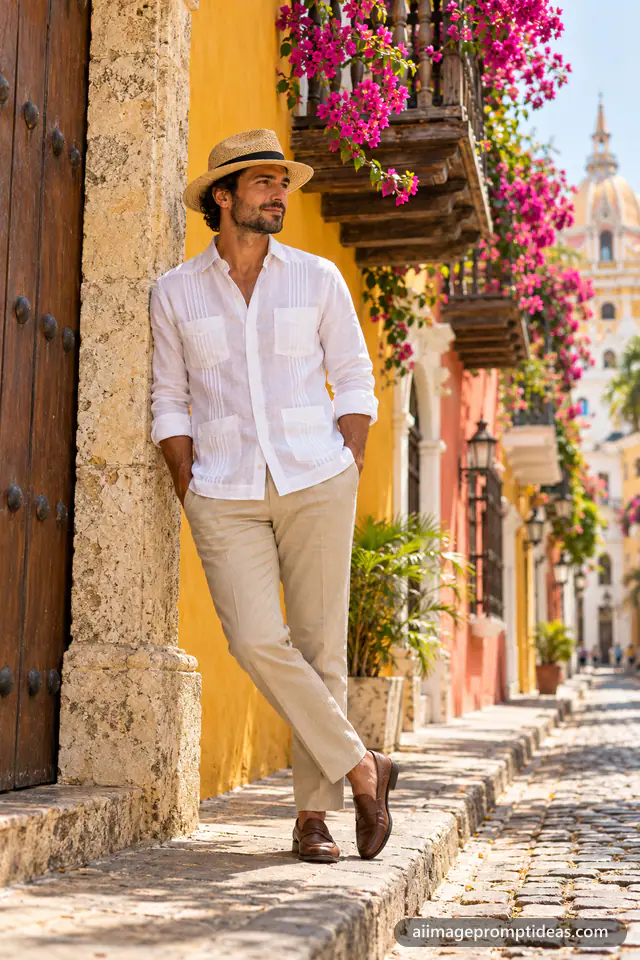
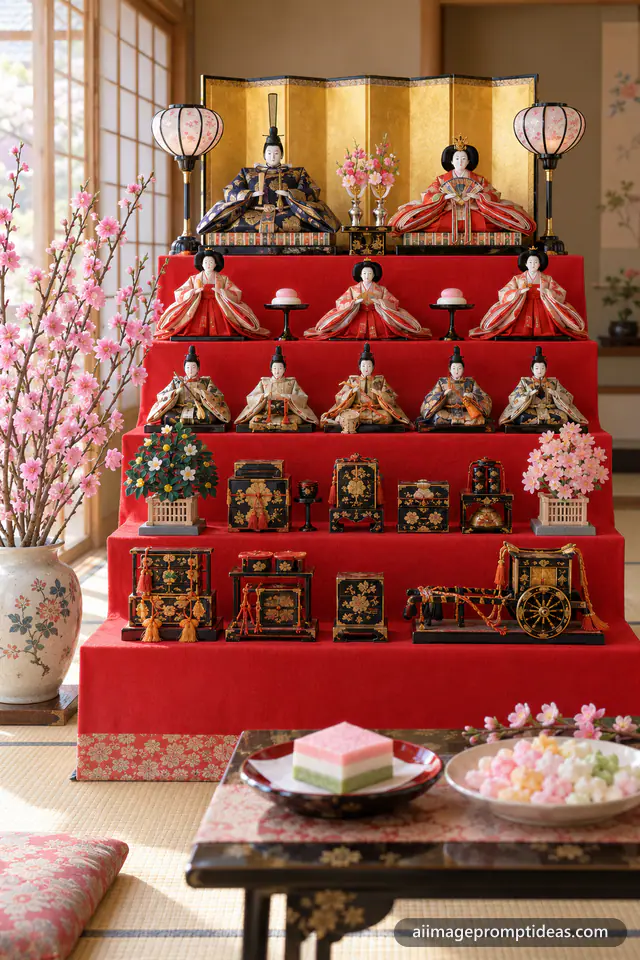
Sometimes the fastest way to a great image is to start from one that already works. Our free AI image prompt library holds 1029 AI image prompt examples, and every one was run in a real image model, with the result shown next to the prompt. Browse portraits, couple photos, Indian traditional looks, anime, logos, product shots and festival and holiday prompts, from a Valentine's Day AI image prompt to Diwali, Holi and Christmas scenes.
Each prompt page lets you copy the prompt as it is, switch it to your model's format, or remix it in the generator. New prompts are added every week, so the library always has the latest AI image prompt ideas for trends, seasons and festivals. Everything is a free AI image prompt you can use for personal projects, social media posts, thumbnails and design mockups.
Why use this AI image prompt generator?
- Free and private. No account, no limits, and your ideas never leave your browser.
- Built for five models. One idea, formatted correctly for ChatGPT, Gemini, Midjourney, Flux and Stable Diffusion.
- Backed by real results. More than a thousand tested prompts show what each style really looks like.
- Fast. From a rough idea to a detailed, ready-to-paste AI image prompt in under a minute.
AI image prompt generator FAQ
What is an AI image prompt generator?
An AI image prompt generator is a tool that turns a short idea into a detailed text prompt for AI image models. It adds the parts models need for good results, such as style, framing, lighting, mood, colors and aspect ratio, and writes them in the format each model understands best.
What is a prompt in AI image generation?
A prompt is the text instruction you give an AI image generator to describe the picture you want. It usually names the subject, the style, the setting, the lighting and the mood. The clearer and more specific the prompt, the closer the image matches your idea.
How do you create an AI image from a text prompt?
Write a prompt that describes your image, open an AI image tool such as ChatGPT, Gemini, Midjourney or Flux, paste the prompt and send it. The model reads the text and generates an image in a few seconds. If the result is not right, change one detail in the prompt and generate again. Our free generator writes the prompt for you from a one-line idea.
How do I use an AI image generator with a text prompt?
Sign in to your AI image tool, start a new chat or project, and paste your text prompt. In ChatGPT or Gemini you can simply ask "Create an image of..." followed by your prompt. In Midjourney, paste the keyword version with parameters like --ar 2:3. Download the image you like, or ask for changes in plain words.
How do I write a prompt for an AI image generator?
Start with the main subject and what it is doing, then add the style (photo, anime, watercolor), the framing or camera angle, the lighting, the mood and colors, and finally the size. For example: "A red fox curled up in fresh snow, photorealistic, close-up, warm golden hour light, calm mood, vertical 2:3." Keep one clear style and avoid words that contradict each other.
What is a negative prompt in AI image generation?
A negative prompt is a list of things you do not want in the image, such as "blurry, extra fingers, text, watermark". Stable Diffusion and some other tools have a separate negative prompt box. In ChatGPT and Gemini you can add the same idea at the end of the prompt, for example "No text or watermarks."
How do I generate an image with a Grok AI prompt?
Open Grok, ask it to create an image and paste a detailed description, for example "Create an image of..." followed by your prompt. Grok reads full sentences, so the ChatGPT format from our generator works well. Add the style, lighting and size you want, and ask for changes in plain words if the first result is not right.
How do I create an AI video from an image prompt in 2026?
First create a still image with a detailed image prompt, then upload it to an image-to-video tool such as Google Veo, Runway or Kling. Describe the motion you want, for example "slow camera push-in, hair moving in the wind, rain falling", and keep the clip short. A strong, detailed starting image gives a much better video.
Is this AI image prompt generator free?
Yes. It is a completely free AI image prompt generator with no sign-up and no daily limit. It runs in your browser, so your ideas are not sent to a server. The prompt library is free to use as well.
Which AI image tools do the prompts work with?
You can pick ChatGPT, Gemini (including Nano Banana), Midjourney, Flux or Stable Diffusion, and the prompt is formatted for that model. The ChatGPT format also works well in Grok, Leonardo, Ideogram, Adobe Firefly, Canva and Microsoft Designer.
Can I use it as an AI image prompt enhancer?
Yes. Paste a short idea and the generator enhances it with style, framing, lighting and mood details. You can then edit every part with simple options, switch on "Extra details" for a richer prompt, or press refresh for a new variation.
Where can I find AI image prompt examples and ideas?
Browse our free AI image prompt library on this page. It has more than 1000 AI image prompt examples, each with the real image it created, sorted into categories like portraits, couple, anime, logos, food, holidays and festivals such as Valentine's Day and Diwali. New prompts are added every week.
How do I use a prompt with my own photo?
Open ChatGPT or Gemini, upload a clear, front-facing photo of yourself, then paste the prompt. Add a line such as "Keep my face and identity exactly the same as the uploaded photo" to keep the result close to you.
How long should an AI image prompt be?
For ChatGPT and Gemini, 40 to 120 words in plain sentences works well. For Midjourney and Stable Diffusion, a list of 15 to 40 keywords plus parameters is usually enough. Longer is not always better; clear is better.