1. Down Under Christmas Greeting Card
Greeting card prompt: a cheerful kangaroo in a Santa hat stands with a surfboard on Bondi Beach, with "Merry Christmas" lettering above.
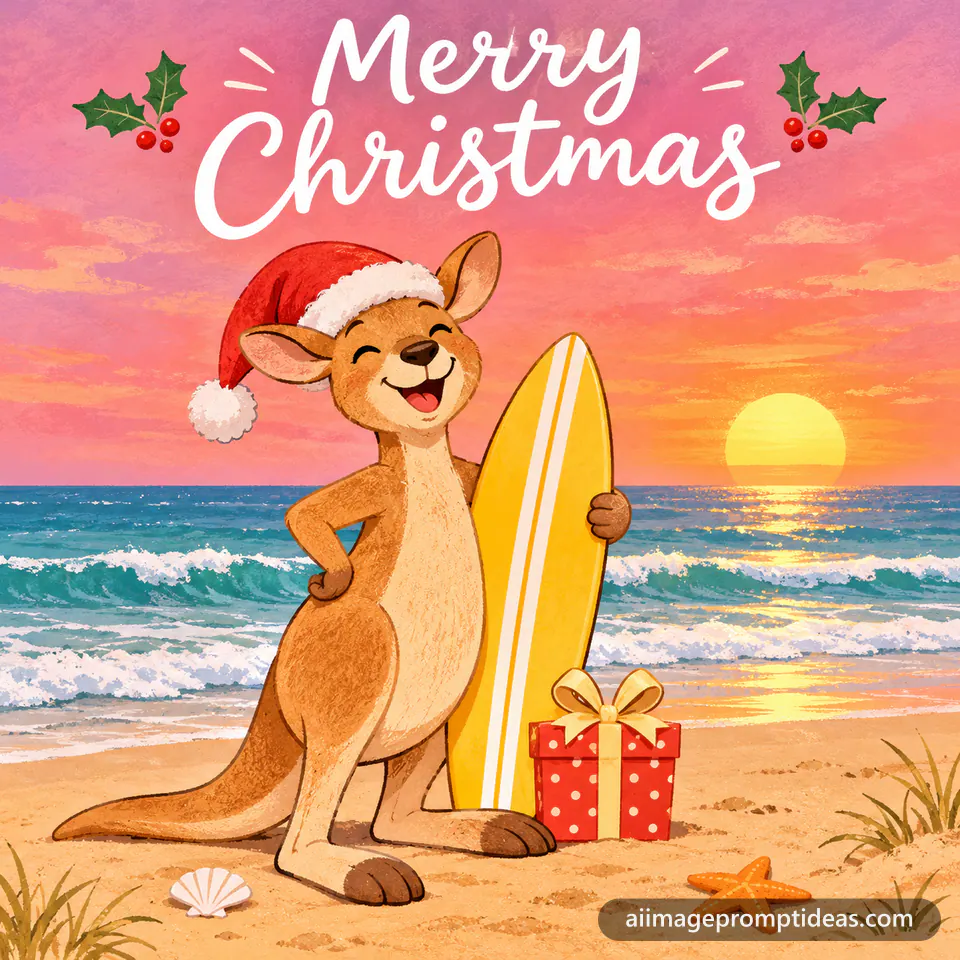
Create a cheerful Christmas greeting card illustration of a kangaroo wearing a red Santa hat, standing on sand at sunrise with a yellow surfboard under one arm. Soft pink and orange sky, white foam waves rolling in behind, and a small wrapped gift at its feet. Write "Merry Christmas" in white hand lettering across the top. Friendly flat-color style with soft texture. Square 1:1 format.
- Replace the kangaroo with a koala in a Santa hat for a different card.
- Ask for 'Merry Christmas 2026' if you want the year on the card.
2. Watercolor Surfboard Christmas Card
Greeting card prompt: a soft watercolor surfboard wearing a Santa hat sits above waves, with "Merry Christmas 2026" written in gold script.
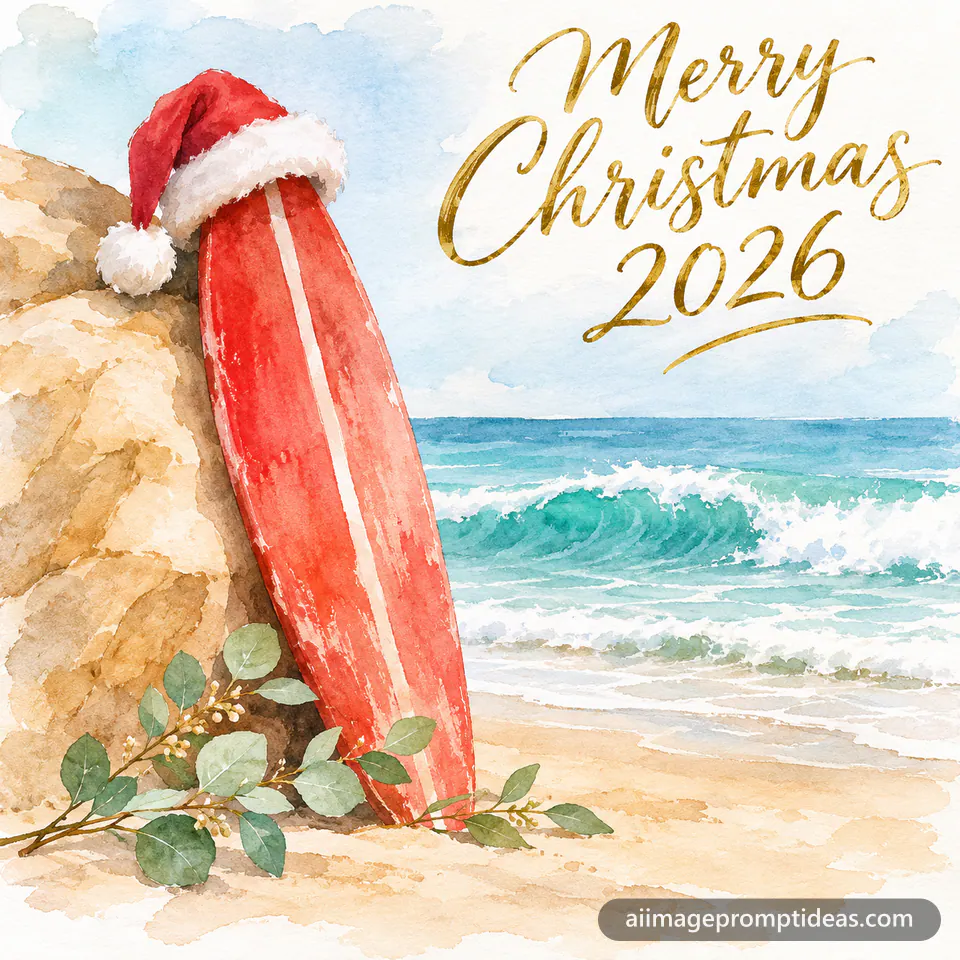
Create a soft watercolor Christmas card of a red surfboard leaning against a pale sandstone rock, with a white Santa hat balanced on its tip. Turquoise waves curl in the background, and a few sprigs of green eucalyptus lie across the sand. Write "Merry Christmas 2026" in gold script in the top corner. Loose brush strokes, airy white space, muted coastal palette. Square 1:1 format.
- Ask for a blank space in the lower half if you want to add your own name.
- Switch the surfboard to a longboard for a retro look.
3. Watercolor Pine Branch Card
A soft watercolor Christmas card with loose pine branches, red holly berries, and a hand-lettered Merry Christmas on pale cream paper.

Create a soft watercolor greeting card with loose pine branches and red holly berries painted across the top corner. The pale cream paper background has gentle blue wash shadows and visible paper texture. The words "Merry Christmas" sit in the center in elegant hand lettering in deep green ink. Airy, hand-painted feel with plenty of white space around the design. Square 1:1 format.
- Swap the text for 'Happy Holidays' if you want a more general card.
- Ask for gold ink lettering for a warmer finish.
4. Minimalist Gold Star Holiday Card
A clean minimalist holiday card on warm beige with one thin gold star outline above a small Happy Holidays line in charcoal sans serif lettering.

Create a minimalist Christmas greeting card on a warm beige background. A single thin gold star outline sits in the upper third, with plenty of empty space around it. Below the star, the words "Happy Holidays" appear in small clean sans serif capitals in charcoal. No other decoration, flat soft lighting, calm modern composition with a quiet, balanced layout and crisp edges. Vertical 2:3 format.
- Use a sage green background instead of beige for a fresher look.
- Add the year 2026 under the words in the same small type if you want a dated card.
5. Papercut Winter Forest Card
A layered papercut Christmas card with pine trees, a deer silhouette, and snow hills in red and cream, with Merry Christmas cut into the top.
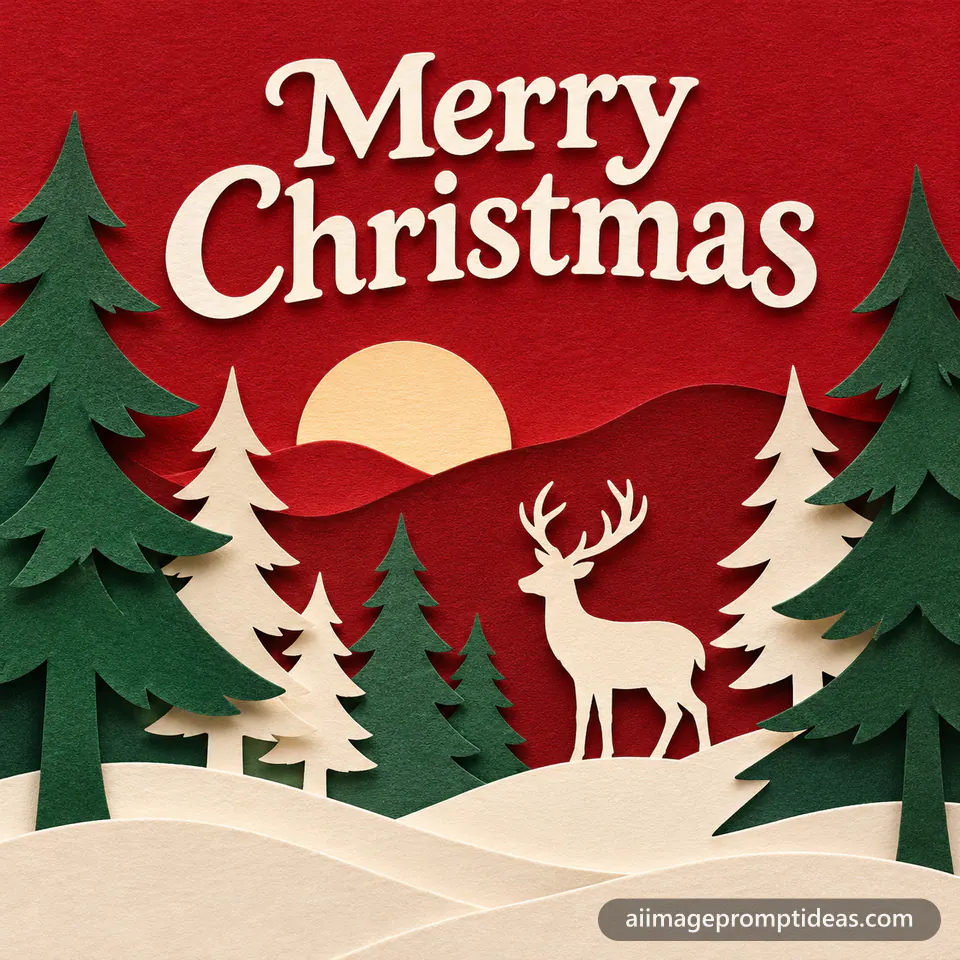
Create a layered papercut Christmas greeting card showing a winter forest at dusk. Pine trees and a deer silhouette sit on stacked paper layers in deep red, cream, and forest green, with soft shadows between each layer. Snow hills roll along the bottom. The text "Merry Christmas" is cut from white paper across the top. Crisp handcrafted edges, clean and warm. Square 1:1 format.
- Change the deer to a rabbit for a softer scene.
- Add a warm lamp glow behind the layers for a backlit look.
6. Glossy Bauble Pastel Holiday Card
A soft 3D rendered holiday card with glossy pastel baubles on a curved ribbon and rounded Happy Holidays letters on a cream background.

Create a soft 3D rendered greeting card with glossy pastel baubles hanging from a curved satin ribbon. The baubles are mint, blush, and pale gold, with smooth clay-like surfaces and gentle reflections. Warm studio lighting and a cream background with soft shadows. The words "Happy Holidays" appear in rounded 3D letters along the bottom. Clean, cheerful, playful look. Square 1:1 format.
- Swap the mint baubles for deep green for a classic Christmas palette.
- Add a few small stars between the baubles for extra sparkle.
7. Vintage Robin and Holly Postcard
A retro Christmas postcard with a plump robin on a holly branch, muted red and sage inks, faded cream paper, and an old-fashioned Merry Christmas script.
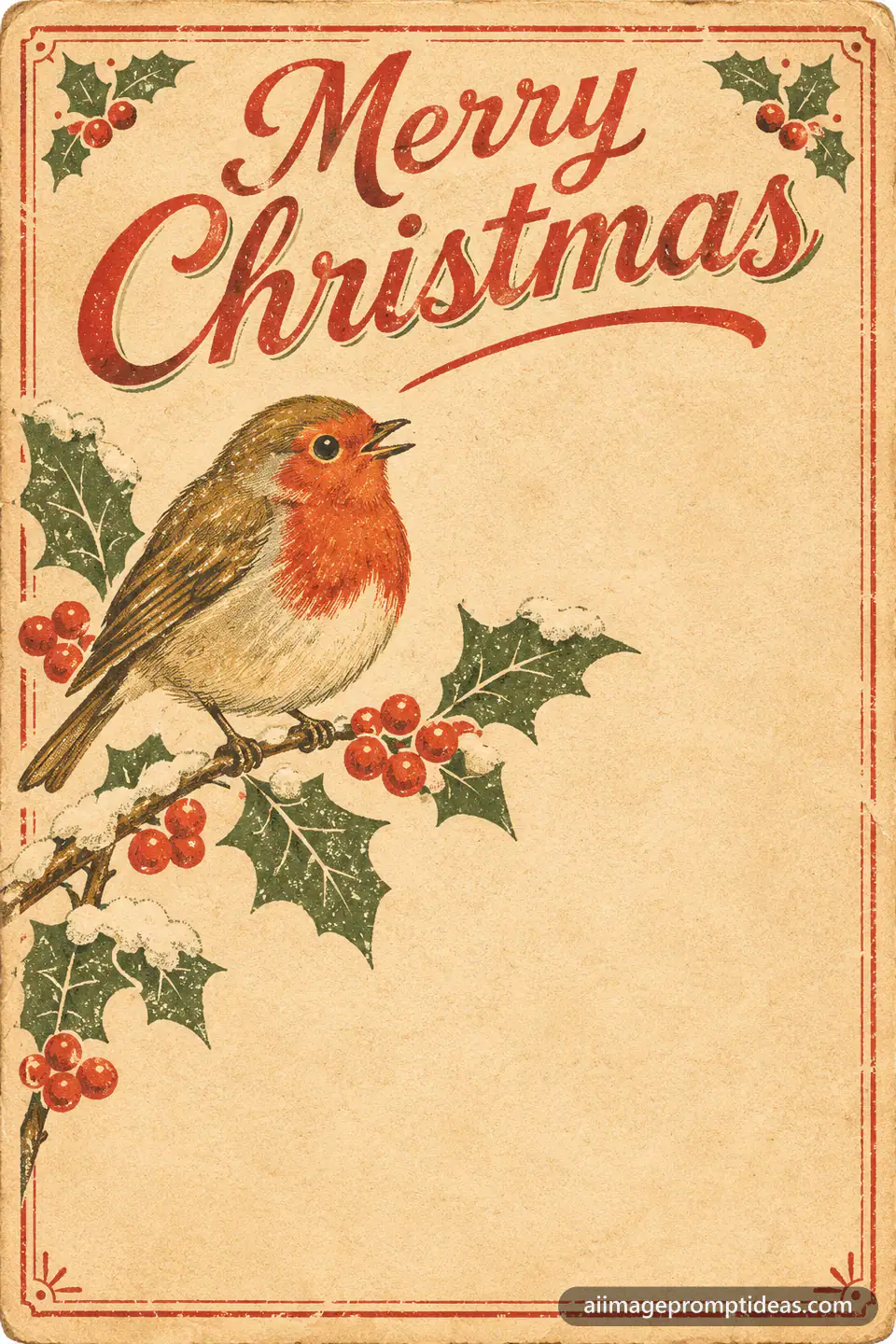
Create a vintage Christmas postcard illustration with a plump robin perched on a holly branch in a muted mid-century print style. Faded cream paper texture, dusty red and sage green inks, slight ink misregistration, and a soft decorative border. The text "Merry Christmas" appears across the top in an old-fashioned script. Warm, nostalgic and gentle, with a simple layout that leaves room for a handwritten note. Vertical 2:3 format.
- Change the bird to a bluebird for a softer palette.
- Add a small envelope and stamp in the corner for a postcard feel.
8. Neon Sign Holiday Card
A glowing neon sign style holiday card on a dark brick wall, with a pink and teal Happy Holidays script and a small neon star above it.

Create a glowing neon sign style Christmas greeting card on a dark brick wall at night. A pink and teal neon script reads "Happy Holidays" with a small neon star above it. The light spills soft reflections onto the bricks and the floor below. Moody, glowing atmosphere with clean space around the sign, with the glow fading softly into the dark wall. Square 1:1 format.
- Change the colors to red and green neon for a classic Christmas palette.
- Add a small string of fairy lights along the top edge.
9. Tabby Cat Merry Christmas Card
Pet Christmas card prompt: a fluffy orange tabby cat in a red knitted scarf sits in a basket of presents with "Merry Christmas" lettering.
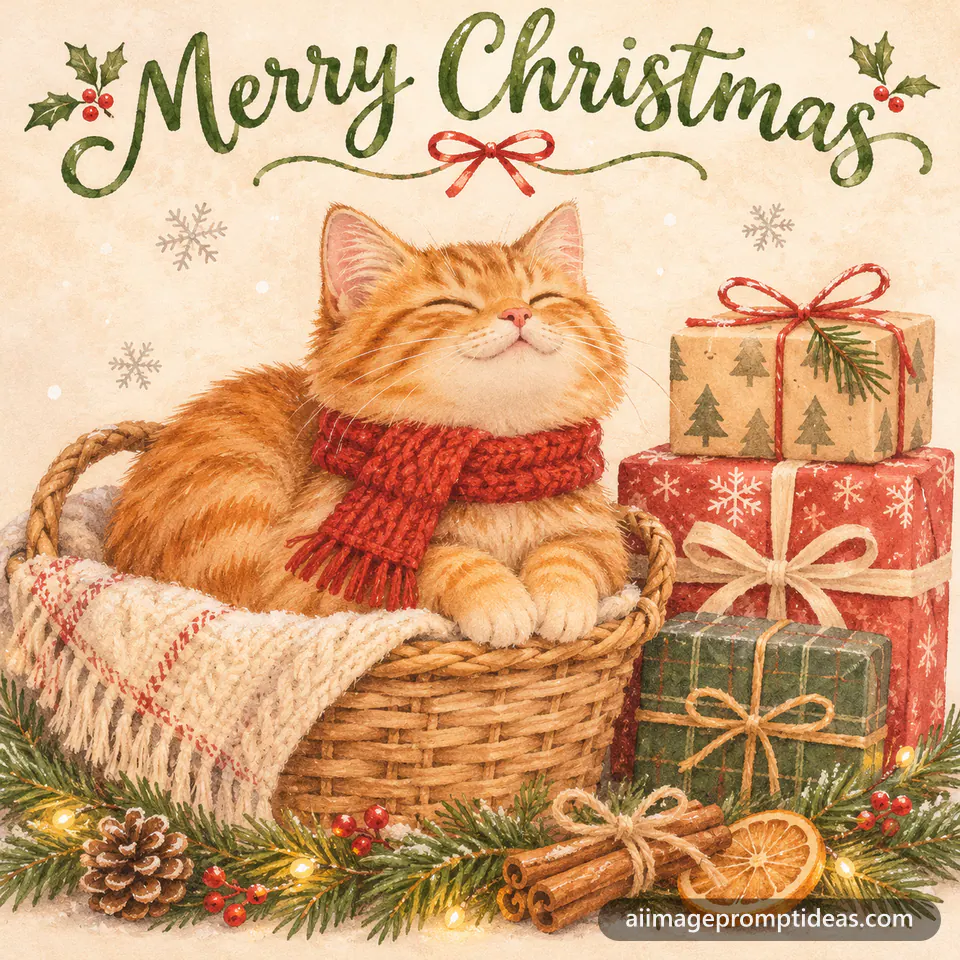
Create a cozy Christmas greeting card illustration of a fluffy orange tabby cat wearing a tiny red knitted scarf, sitting in a woven basket beside a stack of wrapped presents. Pine garland and cinnamon sticks decorate the bottom edge, and a few snowflakes drift across a soft cream background. Write "Merry Christmas" in green hand lettering across the top. Soft painted textures, warm gentle light. Square 1:1 format.
- Swap the orange tabby for a grey cat to match your pet.
- Change the scarf color to match your home decor.
10. Bunny with Holly Greetings Card
Pet Christmas card prompt: a watercolor white rabbit in a red bow tie sits among holly and pinecones, with "Season's Greetings" in green script.
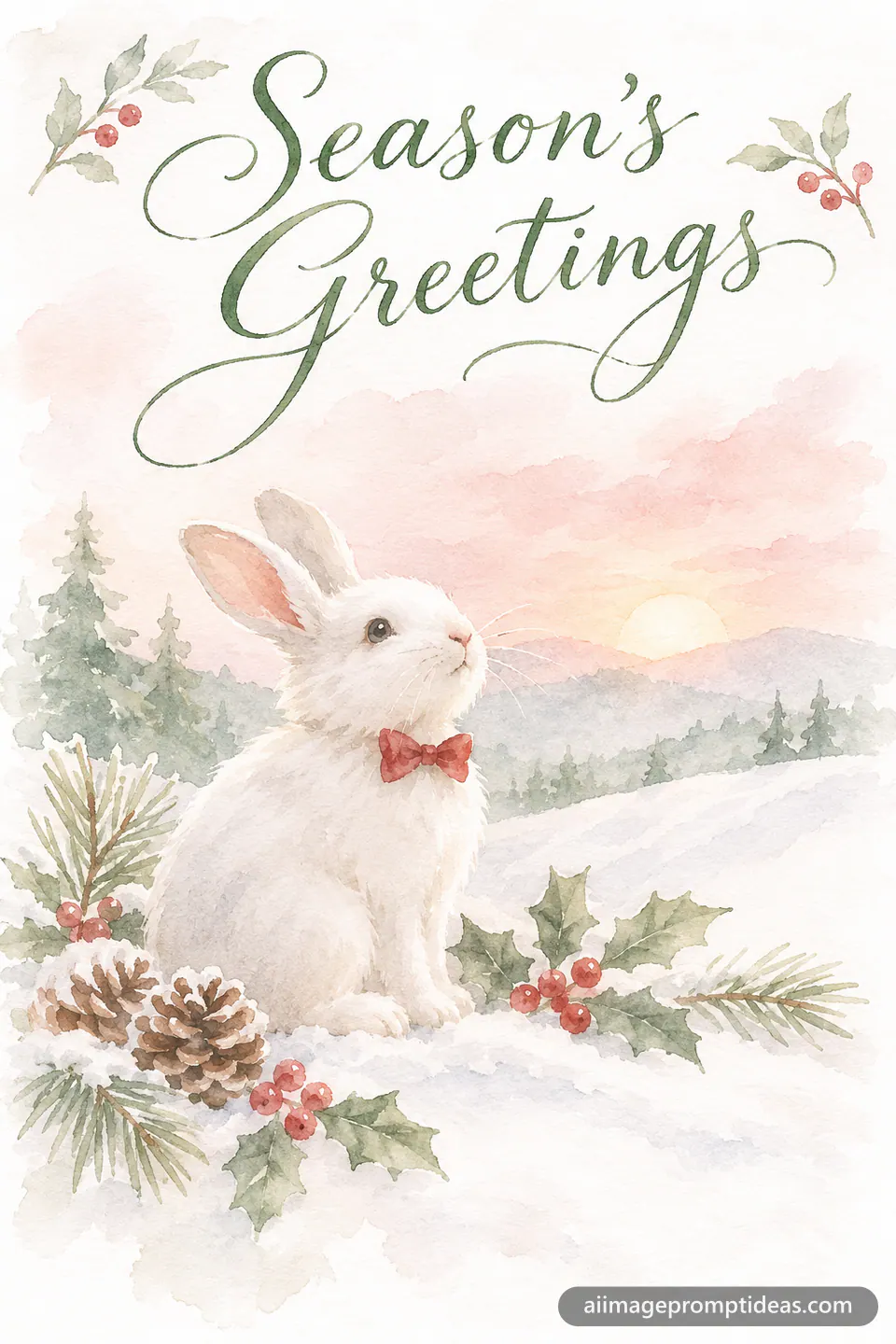
Create a soft watercolor Christmas greeting card of a fluffy white rabbit wearing a small red bow tie, sitting among holly berries and pinecones on a snowy hill at dawn. Write "Season's Greetings" in elegant green script across the top. Muted pastel palette of sage, blush, and cream, with loose brush edges and plenty of soft white space. Vertical 2:3 format.
- Swap the rabbit for a guinea pig wearing the same bow tie.
- Ask for the text in gold instead of green for a warmer card.
11. Puppy Pawprint Christmas Card
Pet Christmas card prompt: a playful beagle puppy in a green elf hat holds a gold paper star against deep red with confetti and "Merry Christmas" text.

Create a bold Christmas card design of a playful beagle puppy wearing a green felt elf hat, holding a small gold paper star in its mouth. The background is deep red with white pawprints and scattered gold confetti. Write "Merry Christmas" in bold white serif letters across the bottom. Crisp graphic shapes, glossy finish, cheerful holiday mood. Square 1:1 format.
- Swap the beagle for a corgi or any puppy breed.
- Change the red background to navy for a cooler card.
12. Parrot in a Tinsel Crown
Pet Christmas card prompt: a bright green and red parrot wears a tinsel crown on a fir branch decorated with gold baubles and "Joy to the World" text.
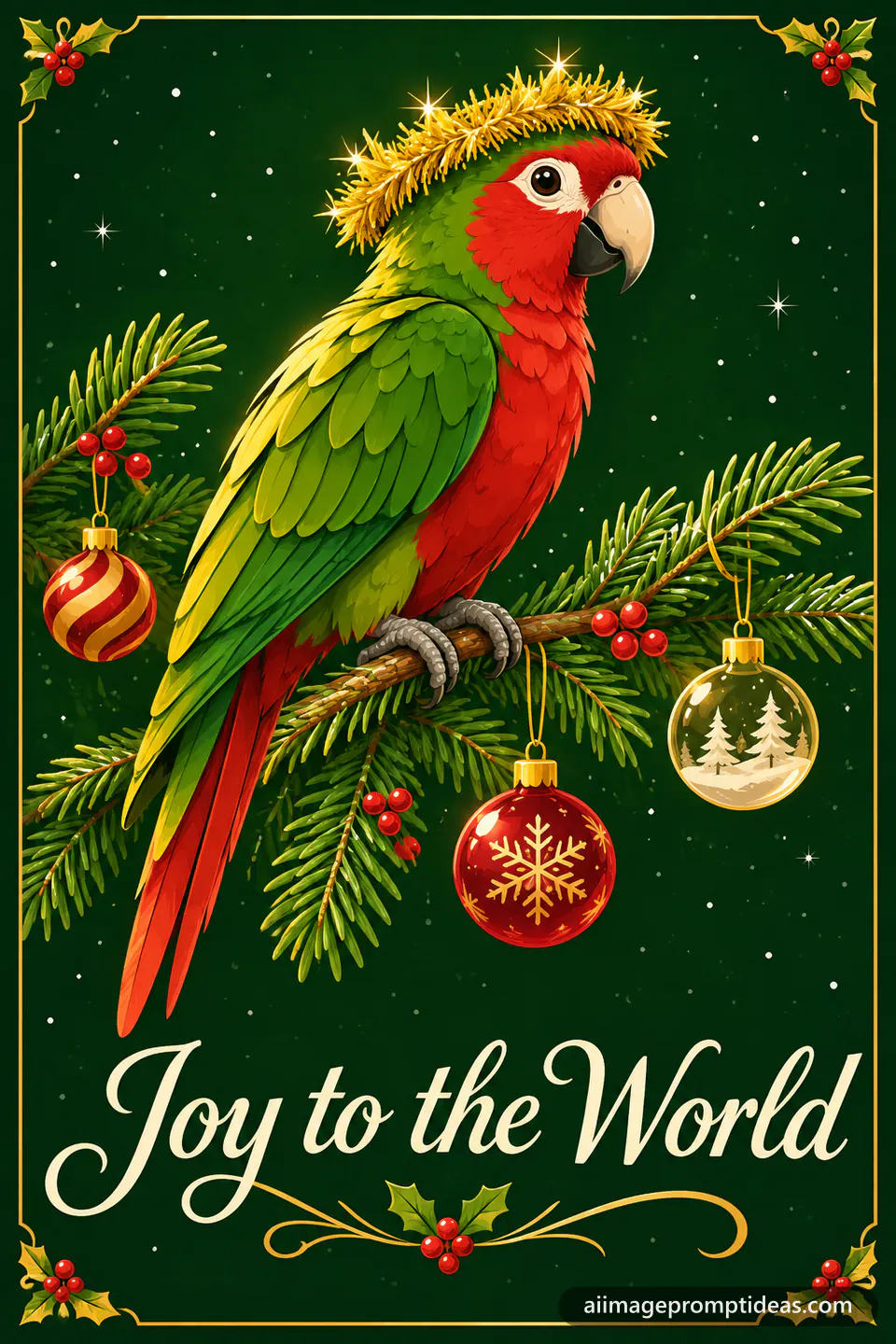
Create a bright Christmas greeting card illustration of a green and red parrot wearing a gold tinsel crown, perched on a fir branch decorated with glass baubles and tiny red berries. Write "Joy to the World" in cream lettering along the bottom edge. Soft gold light falls across its feathers, and the crown catches a few tiny highlights. Clean vector shapes, rich forest green background, subtle snow sparkle. Vertical 2:3 format.
- Swap the parrot for a cockatiel or budgie.
- Ask for a snowy window behind the branch for a winter scene.